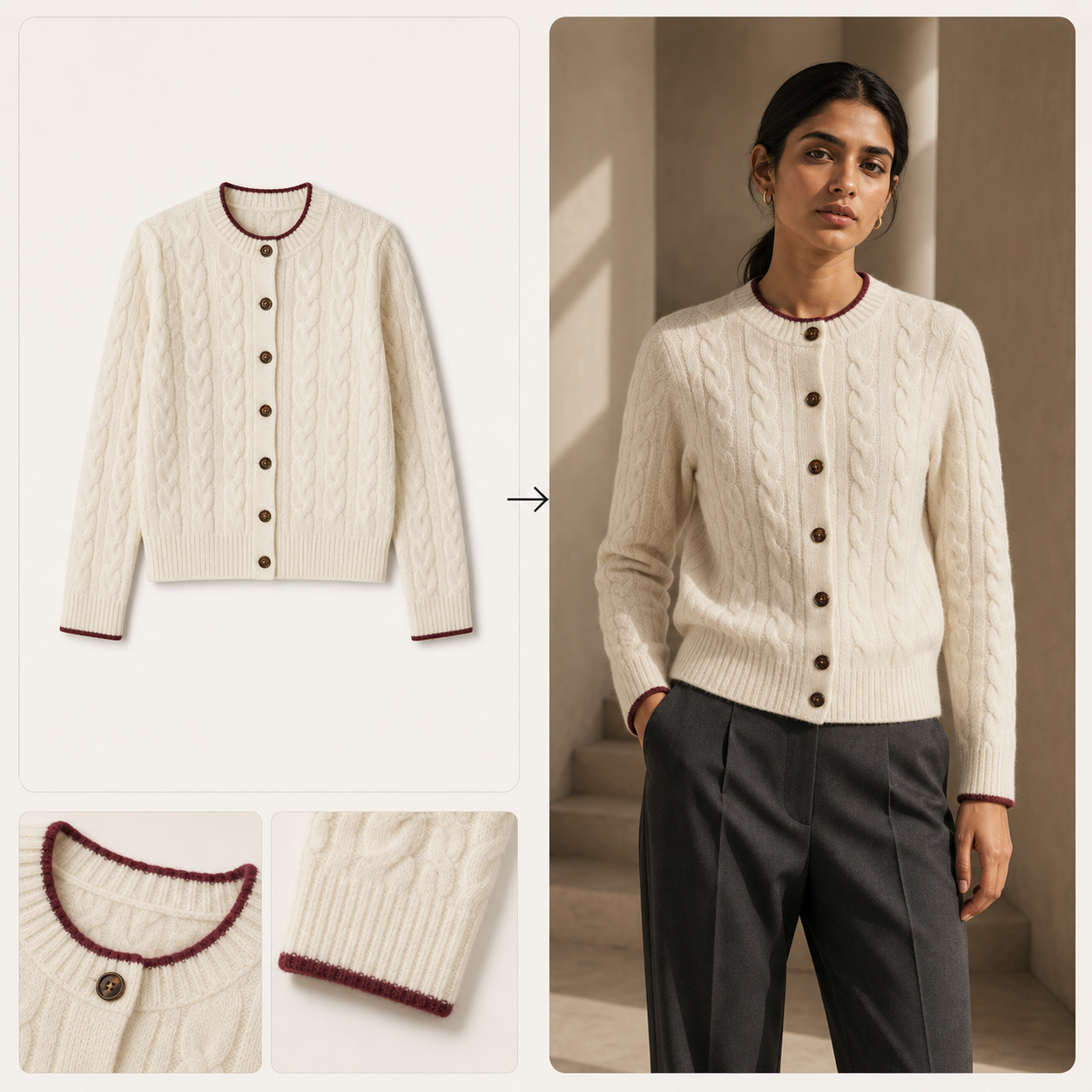
01Flat lay · Mannequin · Supplier image
Product to model
Turn the product imagery you already have into controlled, on-model photography. Choose an approved cast and apply the same direction across one product or a whole collection.
AI fashion production for brands & studios
Create on-model images, product-page sets and fashion video from flat lays, mannequin shots or existing photography. Process a whole catalogue, review every asset by SKU and deliver approved work from one place.
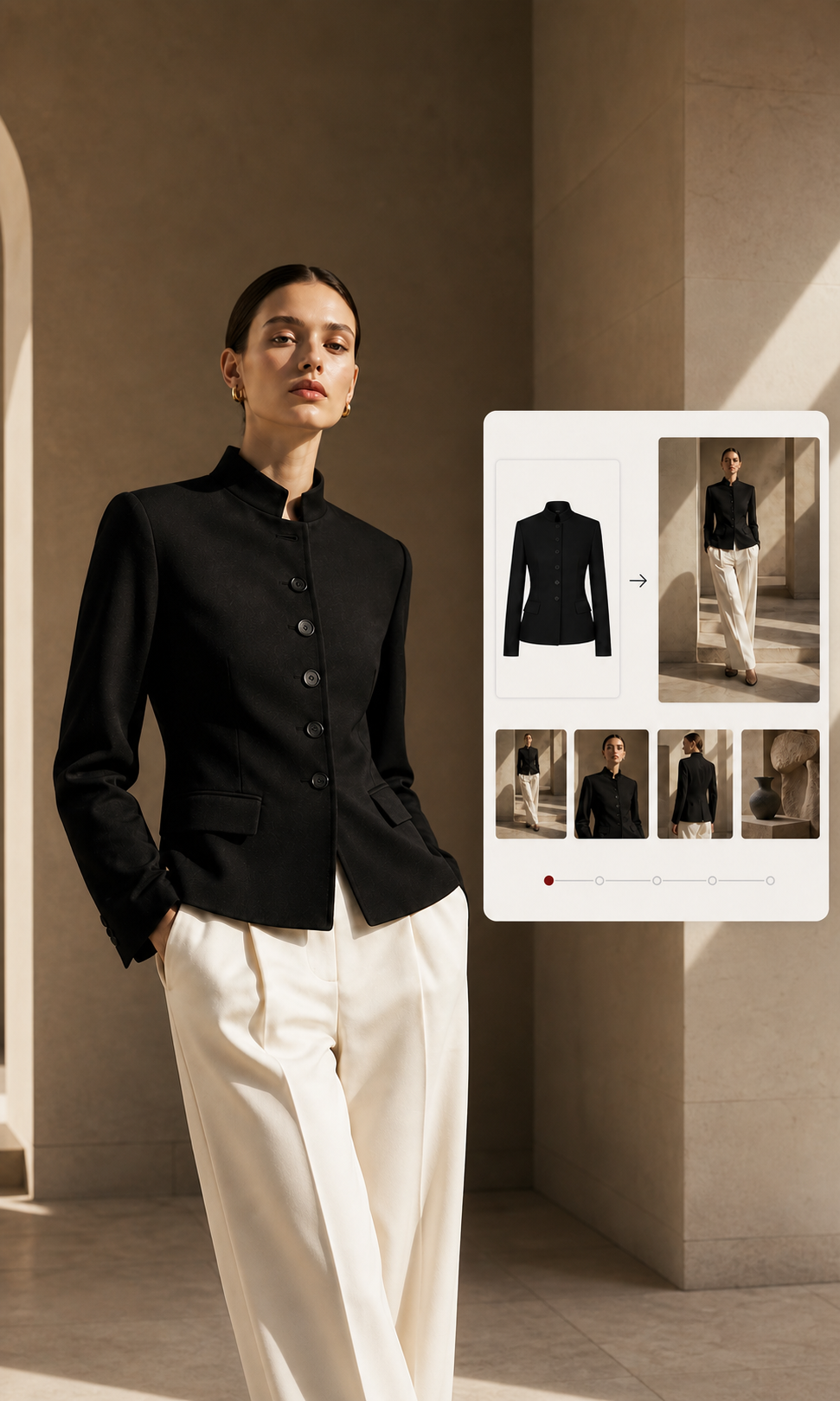
Product input / Approved campaign set
Production tools / 001
LOOKSET turns the fashion jobs your team repeats into clear, dependable workflows. Guided inputs and saved production rules help everyone create consistent, production-ready results.
Turn the product imagery you already have into controlled, on-model photography. Choose an approved cast and apply the same direction across one product or a whole collection.
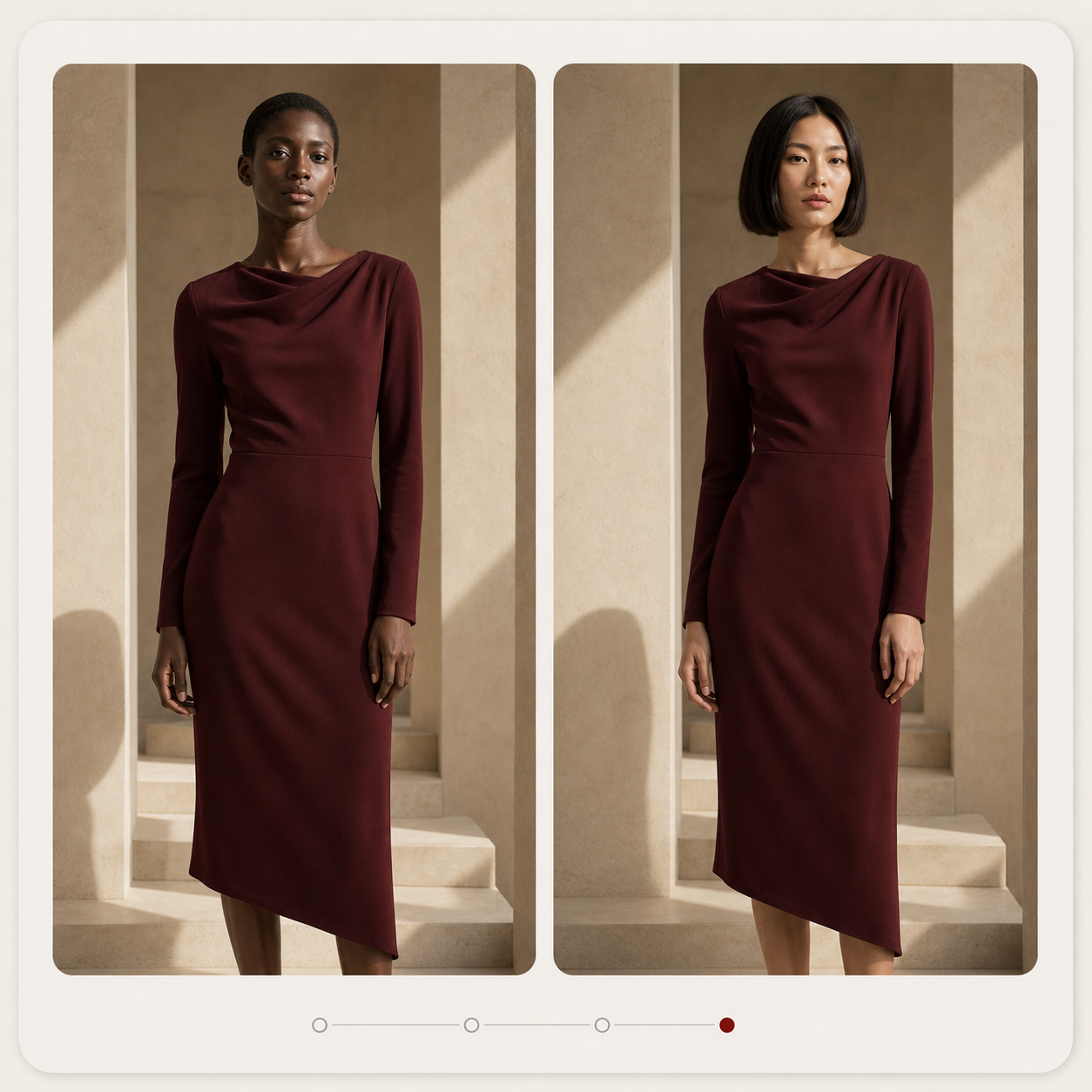
Extend existing photography without starting again. Change the model, setting or crop while keeping the garment and approved art direction central.
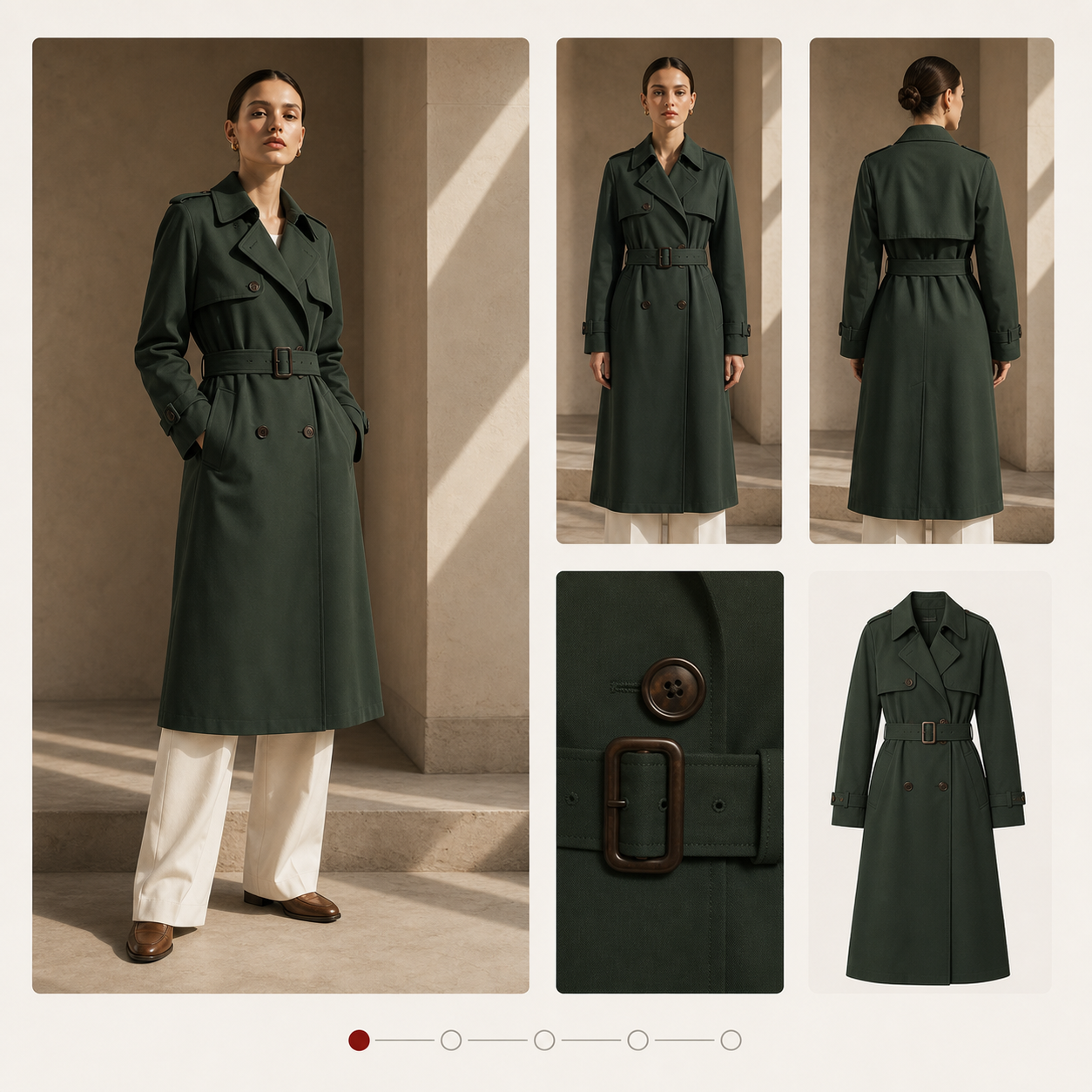
Define the shots each product needs, then create and approve them as one asset pack. LOOKSET requests another source view when the product evidence is not sufficient.
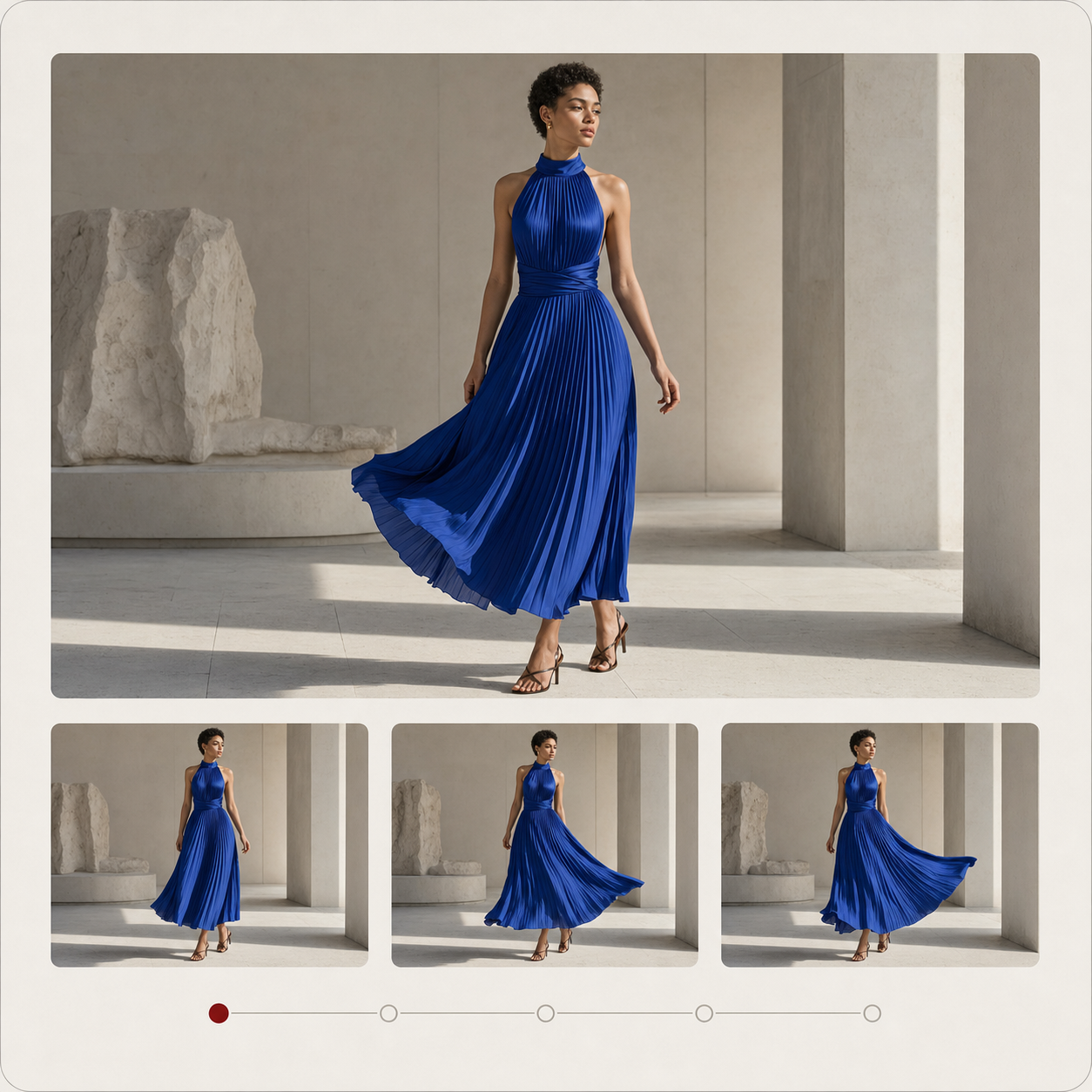
Add controlled motion to an approved image for product pages, campaigns and social. Start from the final still so the video belongs to the same collection.
Catalogue production / 002
Connect LOOKSET to the catalogue and systems you already use. Select the products, choose the required outputs and run the production workflow across the range.
Interface shown is a product concept for the private pilot.
How it works / 003
Teams work with products, shot requirements and approvals. LOOKSET handles the generation process behind the scenes.
Import products, variants and existing imagery from your commerce platform, PIM, DAM or a structured file.
Choose the cast, scene, framing and required deliverables once for the collection.
Apply the right workflow to every selected product while each output remains connected to its SKU.
Correct and approve work in context, then return named and ordered assets to the systems your team already uses.
Review & approval
Interface shown is a product concept for the private pilot.
Where LOOKSET fits / 004
Create a consistent hero, alternate views, details, crops and video for each product.
Extend approved products into coordinated studio, location and seasonal campaign imagery.
Replace inconsistent supplier assets or dated photography across an existing range without processing files one by one.
Turn approved stills into channel-ready crops and short fashion videos without losing the collection direction.
Built to improve with the models / 005
LOOKSET selects and configures the appropriate generation process behind the scenes. Your team works with products, collections, approvals and deliverables—not model names and prompts.
As the underlying image and video models improve, the outputs get better without forcing your team to rebuild the way it produces a collection.
Built around the work / 006
Tailored product demo
Show us how your team produces fashion content today. We'll prepare a focused walkthrough around your catalogue, review process and delivery needs.
Request a tailored demo ↗