Connect products and source imagery
Import products and variants from your commerce platform, PIM, DAM or a structured file. Flat lays, mannequin shots, supplier imagery and existing model photography stay attached to the relevant SKU.
How LOOKSET works
Generate on-model photography, complete product-page sets and fashion video from your existing imagery. Then run the work in bulk, review it by SKU and deliver the approved collection.
Book a demo ↗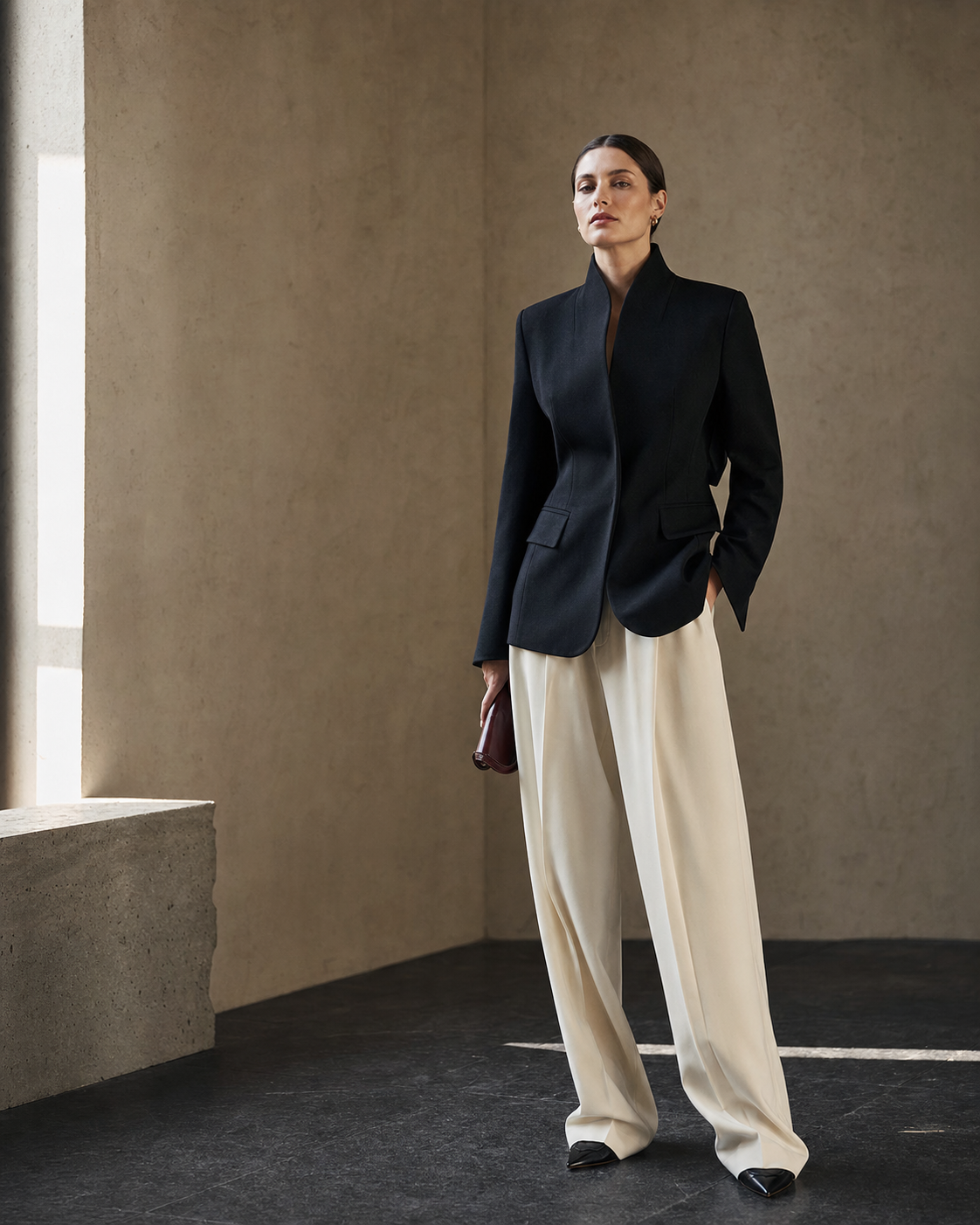
Import products and variants from your commerce platform, PIM, DAM or a structured file. Flat lays, mannequin shots, supplier imagery and existing model photography stay attached to the relevant SKU.
Create on-model imagery, replace a model or scene, build a complete product-page set, or turn an approved image into video. Each workflow exposes only the controls needed for that job.
Save the cast, framing, scene, crops and required outputs as a production specification. Select the products and run that specification across the collection rather than uploading files one by one.
Compare sources and versions against the product, request corrections and approve each required output. LOOKSET preserves the SKU, naming and asset order when the set returns to your storefront or asset system.